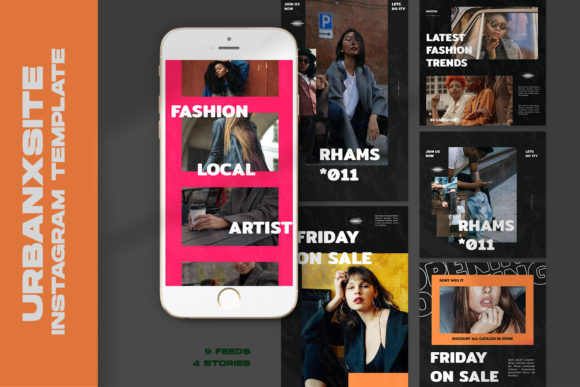
Urbanxsite Instagram Templates: A Practical Guide
Let's be honest: the Instagram algorithm feels like a moving target, but one thing remains constant—visuals stop the scroll. For designers, entrepreneurs, and creators, the pressure to maintain a cohesive, professional feed without spending hours in Photoshop is real. This is where Urbanxsite Instagram Templates come into play. They aren't just design assets; they are a workflow solution designed to bridge the gap between high-end design standards and the practical needs of a busy content schedule. If you have ever struggled with inconsistent branding or clunky editing processes, understanding the technical specifications and practical application of these templates is the first step toward streamlining your creative output.
The Anatomy of a Professional Template
When we talk about "premium" design assets, we aren't just talking about the price tag. We are talking about the architecture of the file. The Urbanxsite templates are built on a foundation of 1.13 PSD files, which ensures compatibility and stability across various versions of Adobe Photoshop. However, the real game-changer here is the implementation of Smart Objects. If you have ever wasted time cropping, warping, and masking an image to fit a layout, you will appreciate this feature. The process is intuitive: you simply double-click the "image layer" icon, place your image, and hit CTRL + S. The template does the heavy lifting, applying the correct perspective and filters instantly. This non-destructive workflow means you can experiment with different images without ruining the original layout.
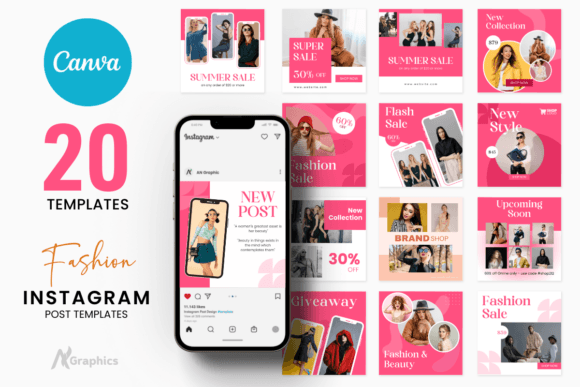
Furthermore, the technical specs are dialed in for modern display requirements. With a resolution of 300 DPI and a color mode of RGB, these templates are optimized for screen viewing while retaining enough quality for small-scale print projects if needed. The file dimensions—specifically 1200 x 1200 px and 1920 x 1080 px—cover the two most critical formats on social media: the standard square post and the high-definition story or reel cover. This attention to technical detail eliminates the guesswork and ensures your final output looks sharp on high-resolution mobile devices.
Visual Hierarchy and Brand Consistency
One of the most significant challenges in social media graphics is maintaining a consistent brand identity. Random colors and layouts can confuse your audience and dilute your message. Urbanxsite templates offer a structured framework that enforces visual consistency. By using a cohesive set of design assets, you create a recognizable "rhythm" in your feed. This repetition builds trust; when a user sees your post, they should know it's yours before they even read the caption.
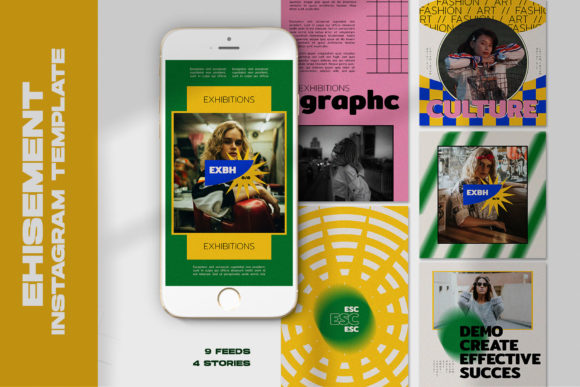
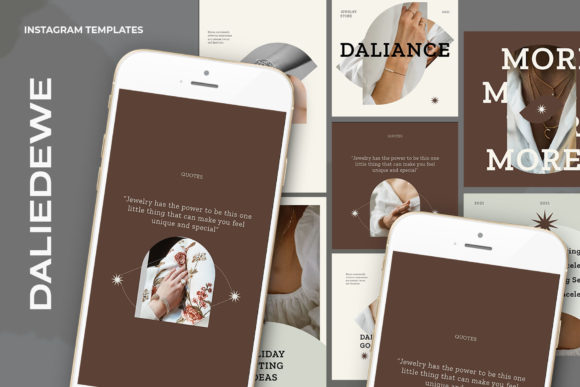
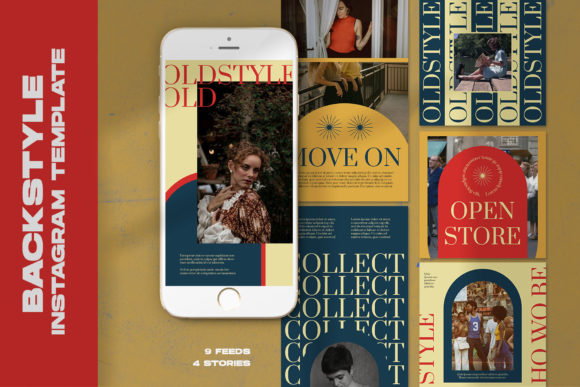
These templates are particularly effective for editorial design styles often seen in fashion, lifestyle, and luxury branding. The layouts typically balance negative space with strong typography, allowing you to guide the viewer's eye exactly where you want it. Because all text is editable with the text tool, you have full control over the hierarchy. You can swap out headlines, adjust sub-headers, and change calls-to-action to match your specific campaign goals. This flexibility allows a small business owner to look like a major corporation, simply by utilizing professional-grade design principles embedded in the template structure.
Practical Application for Entrepreneurs and Designers
For the busy entrepreneur or content creator, time is a non-renewable resource. The "easy to use" nature of Urbanxsite templates is their biggest selling point. You do not need to be a Photoshop wizard to achieve professional results. The workflow is designed for speed: open, click, replace, save. This efficiency allows you to batch-create content. Instead of designing one post at a time, you can sit down for an hour, swap out images for the entire week, and have a queue ready to go.
However, a word of practical advice: while the templates provide the structure, you provide the soul. Because the model is not included, you must bring high-quality photography to the table. The smart object feature works best with well-lit, high-resolution images. A blurry or poorly composed photo will still look subpar, even inside a premium template. Treat these assets as the frame for your artwork. They are perfect for packaging design mockups, web design previews, or logo design showcases where the focus needs to be on the work, not the background clutter.
Integrating Typography into Your Workflow
While the visual layout grabs attention, typography holds it. The ability to edit text means you can pair these layouts with your existing brand identity fonts. If your brand uses a specific sans serif font for headers and a serif font for body copy, you can easily implement that within these layers. This is crucial for readability. A template might look beautiful with a decorative script font in the preview, but if your audience is over 40, a handwritten font might be difficult to read on mobile screens.
Don't be afraid to test different font pairing combinations within the template. The clean lines of Urbanxsite designs often support both modern typography and more traditional styles. The key is to ensure that your text changes enhance the visual hierarchy rather than fighting it. Use the templates to test how your messaging fits into a 1:1 square or a 16:9 story format. This practical testing phase is where you refine your brand’s voice and visual tone, ensuring that every post contributes to long-term brand recognition and audience engagement.